PINTEREST MOBILE REDESIGN X AI INTERGRATION
Designing with Purpose, Reimagining Pinterest Mobile Through AI
MY ROLE
Product Designer
TIMELINE
2 Months
CONTRIBUTION
User interface design
User experience design
TEAM
1 Product Designer
PROJECT OVERVIEW
Background
This personal project explores the integration of AI within a familiar, everyday interface, Pinterest. Over the course of several weeks, I examined how artificial intelligence could enhance the Pinterest mobile experience across work, school, and personal use. Through a detailed analysis of the app’s user interface, I identified key opportunities to make the platform more user-centered and engaging. The goal was to rethink core interactions and streamline the user journey by leveraging AI to deliver a faster, smarter, and more intuitive experience.
The Problem
While Pinterest is widely used for inspiration across work, school, and personal life, its mobile experience can sometimes feel overwhelming or inefficient for users trying to discover, organize, and engage with content. This project explores how AI can be integrated into Pinterest to enhance the overall user experience. By analyzing the app’s interface and user journey, the goal is to identify opportunities to make interactions more intuitive, personalized, and efficient, ultimately creating a faster, smarter, and more user-centered experience.

Designer
Often spend hours crafting moodboards for their projects.

Business Owner
Frequently dedicate time to writing and refining captions for their posts.
Content Creator
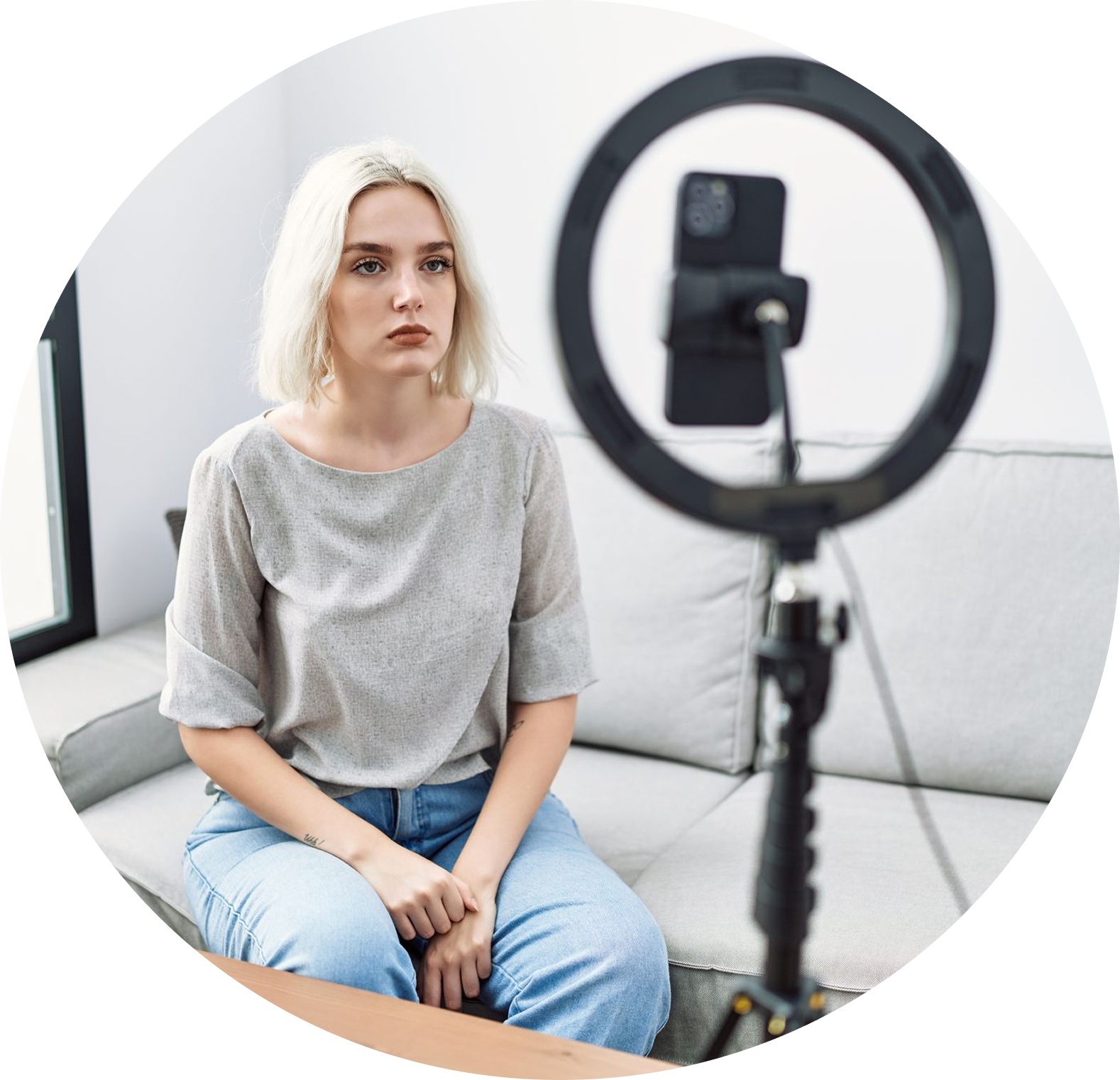
Rely on external apps to edit their photos before returning to Pinterest to publish them.
How might we…
… use AI to make Pinterest’s mobile experience more intuitive and help users discover and organize content faster?
THE SOLUTION
The Solution in Detail
The solution was a redesigned version of Pinterest’s mobile interface that integrates AI to simplify content discovery, personalize recommendations, and streamline core user actions. Features like an intelligent search assistant, adaptive layout suggestions, and smart save prompts were introduced to make the experience feel more tailored, efficient, and engaging, helping users find inspiration faster and with less effort.
THE PROCESS
Product Discovery
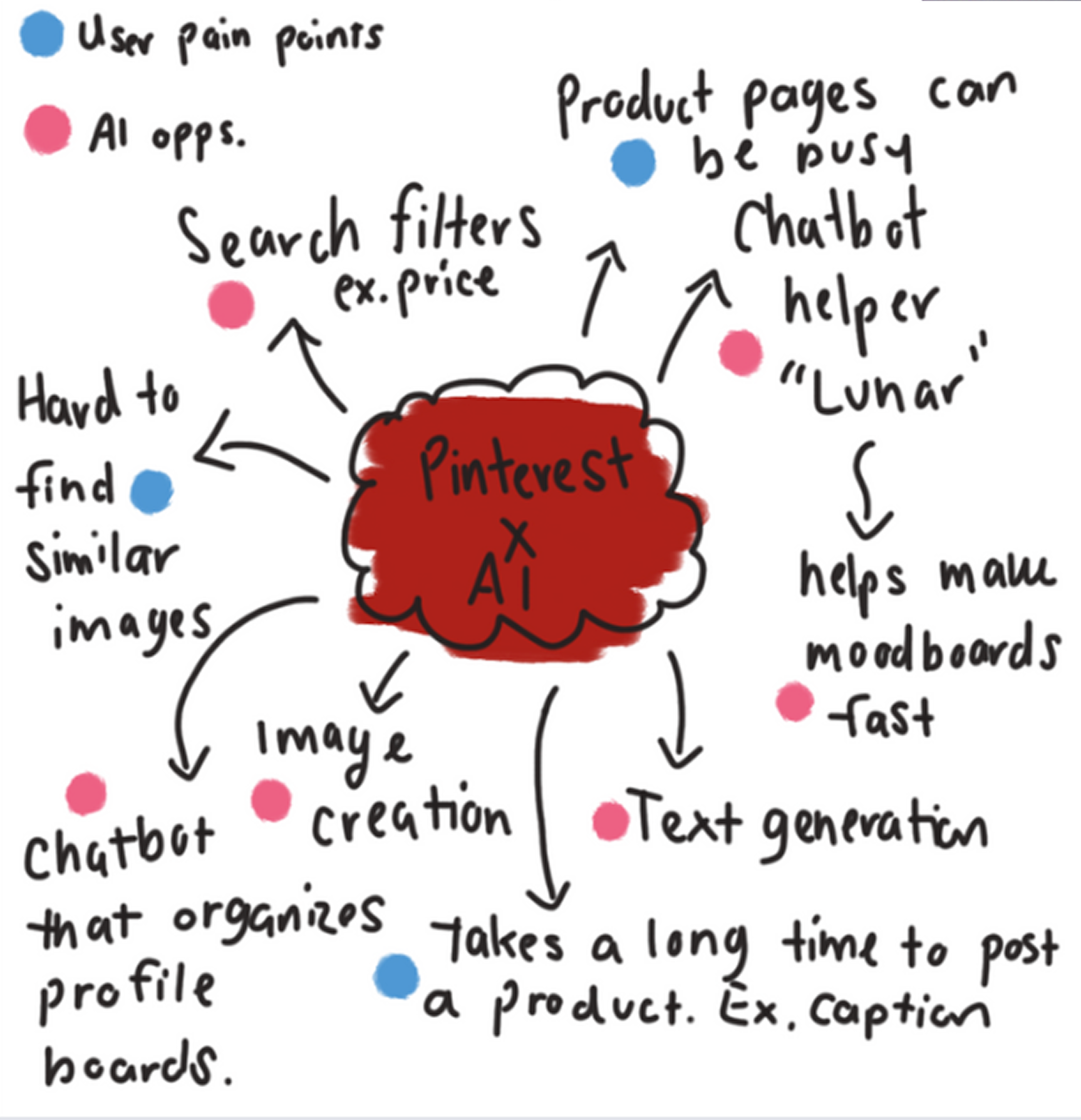
This brainstorm highlights key user pain points on Pinterest, like cluttered pages, slow posting, and hard-to-find images, and explores AI solutions to improve them. Ideas include a chatbot assistant ("Lunar"), smart search filters, auto text generation, and tools for organizing boards and creating images, all aimed at making the experience faster and more personalized.
Pinterst X AI Brainstorm
— 01
Challenge
Assumptions & Challenges
User engagement and discovery gaps: While Pinterest is popular, users may struggle to efficiently discover, organize, and interact with content across work, school, and personal contexts. I assumed that AI could help, but needed to explore how to integrate it without overwhelming or confusing users.
Balancing personalization with simplicity: Introducing AI-driven features could risk making the interface more complex. The challenge was to enhance the experience while keeping it intuitive and familiar.
Time constraints: The redesign and AI integration were explored over a limited timeframe, which restricted the depth of user testing and iteration cycles.
01 — AI enhances discovery
Helps users find relevant content faster
02 — Intuitive design matters
Keep the experience simple and user-centered
03 — Personalization drives engagement
Smart suggestions increase interaction
Key Takeaways
— 2
Brewing the Ideas
Ideation & Exploration
These low-fi wireframes explore how AI can streamline Pinterest by letting users generate moodboards, pins, and ideas through a chatbot. The flows show how simple text prompts can turn into visual content, making the platform faster, more creative, and easier to use.
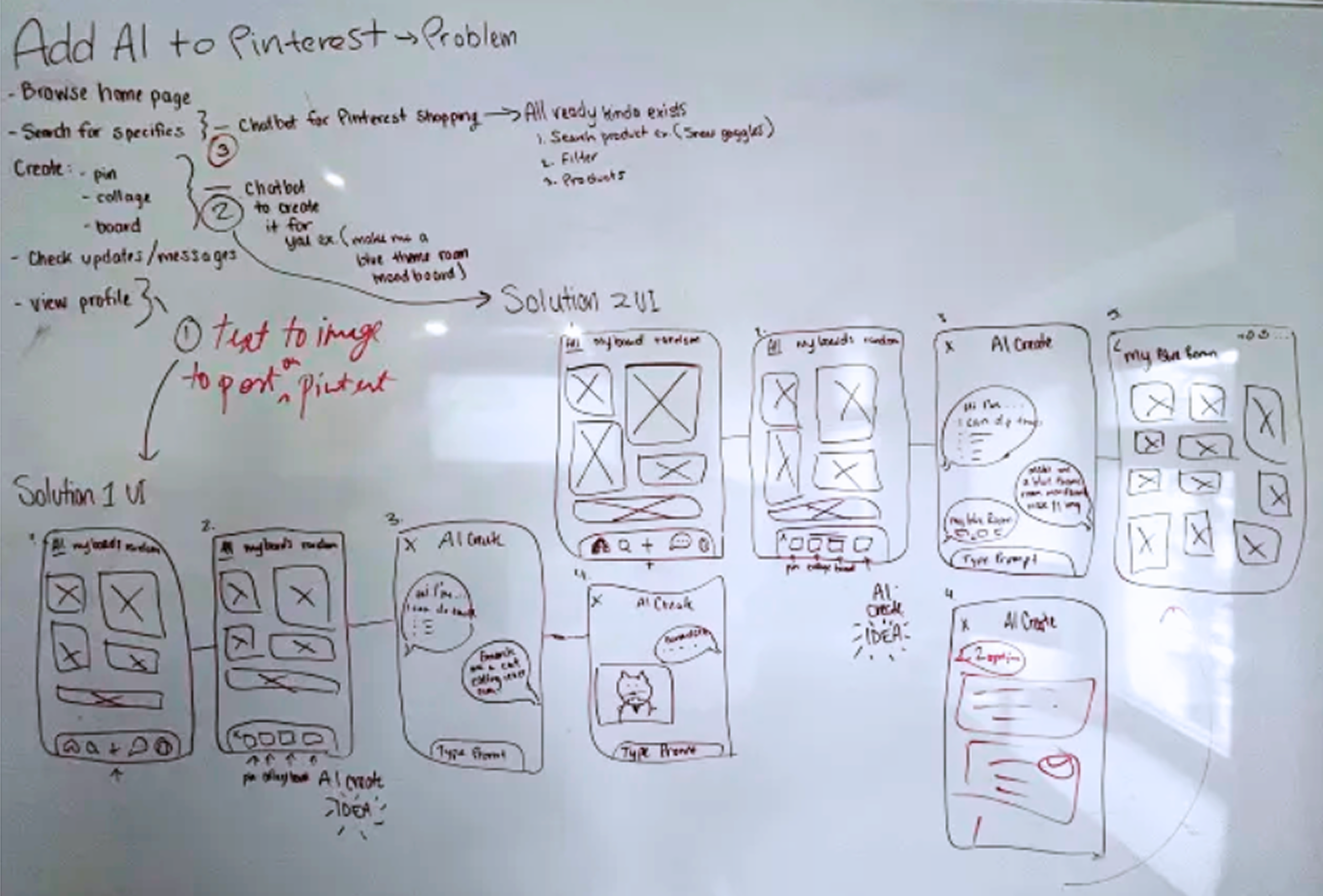
Low - Fi Design Concept
Key Features & Why
Create moodboard: Helps designers quickly visualize ideas and streamline their workflow
Text to image: Turns creative prompts into visuals, bringing ideas to life
Caption generator: Saves time for business owners by auto-generating captions and hashtags
Image editor: Makes editing easy within the app, perfect for a photo-focused platform
Other: Offers endless possibilities, letting users create in their own way
THE MVP
It’s Show Time!
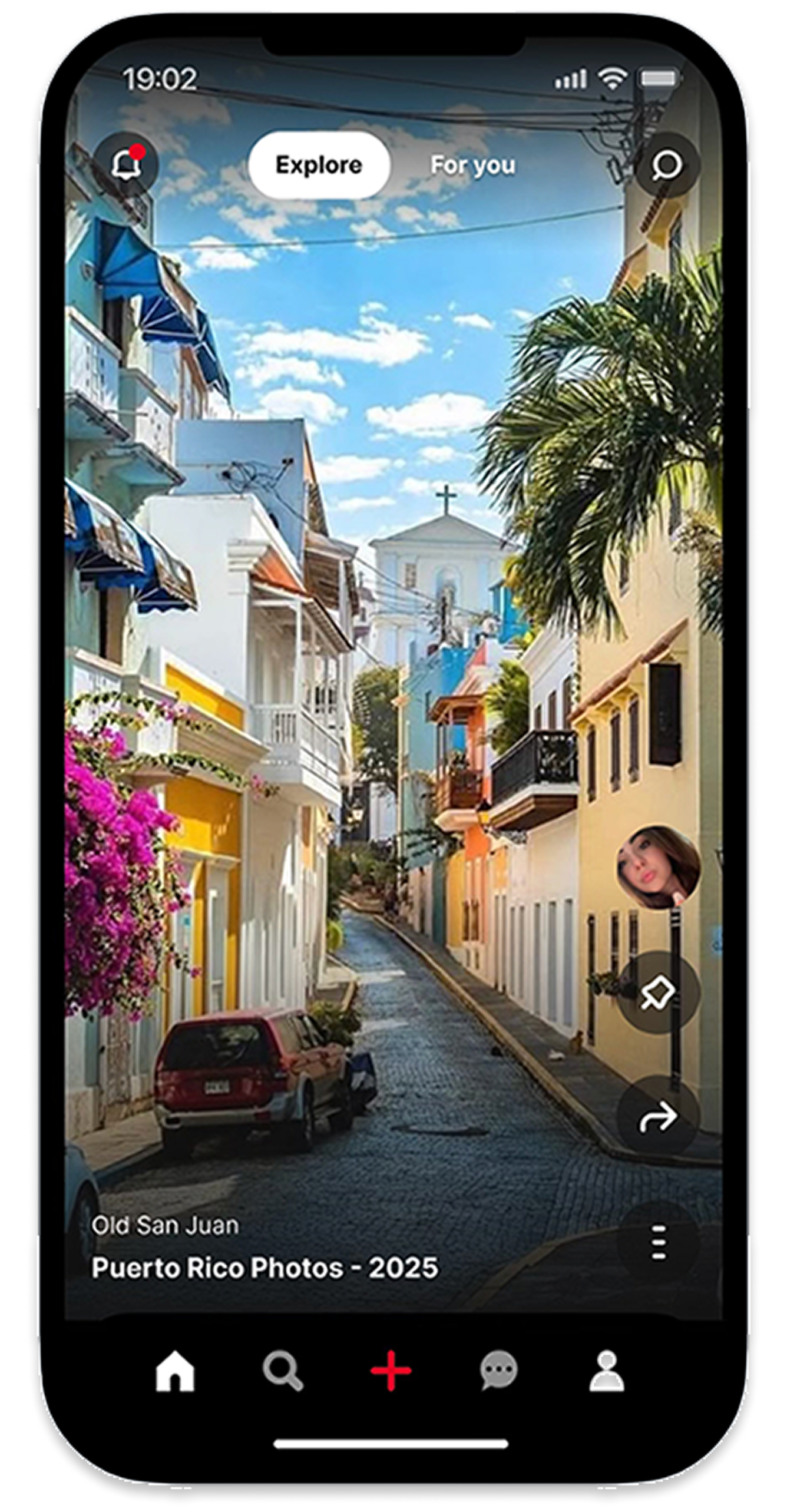
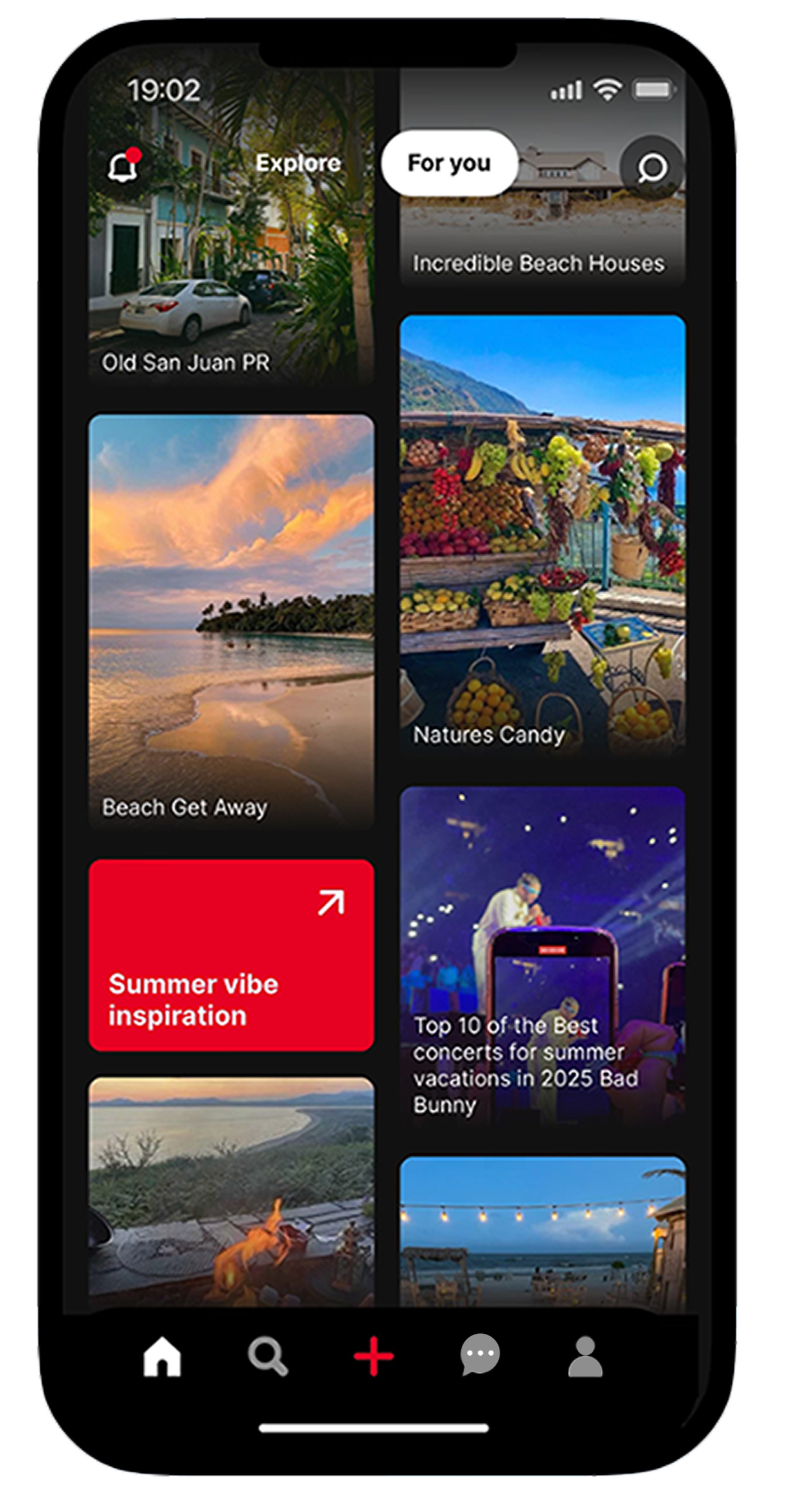
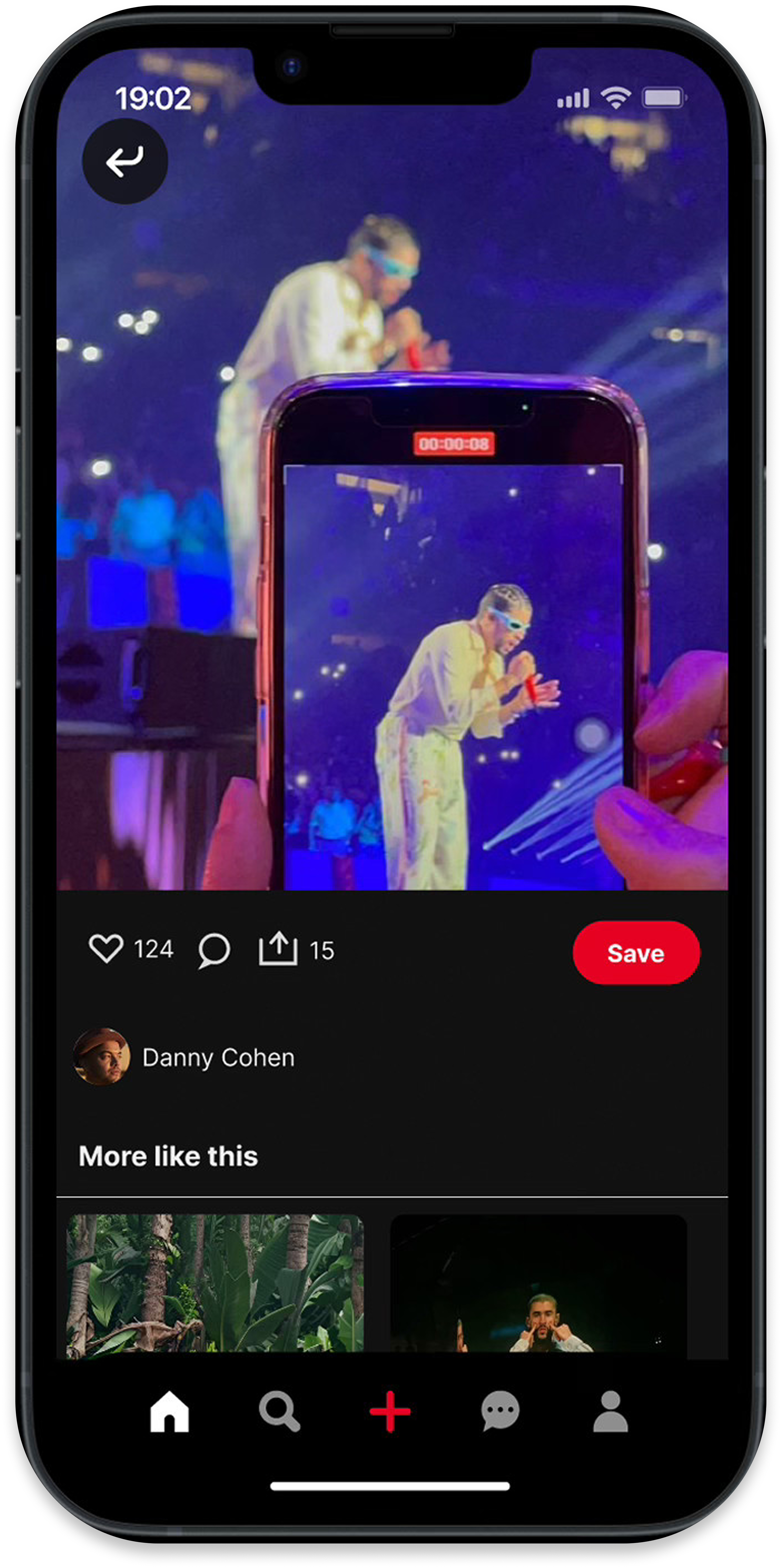
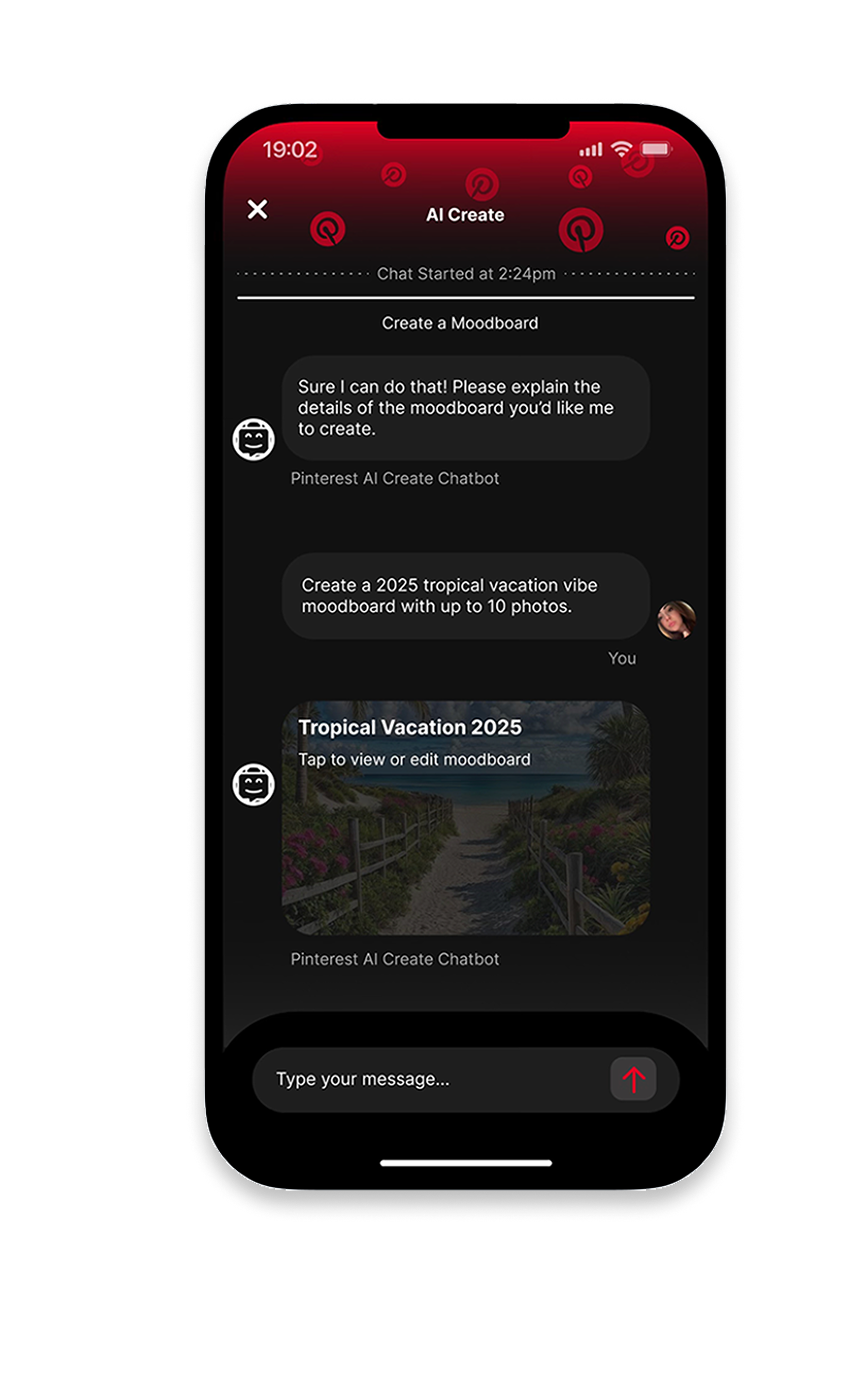
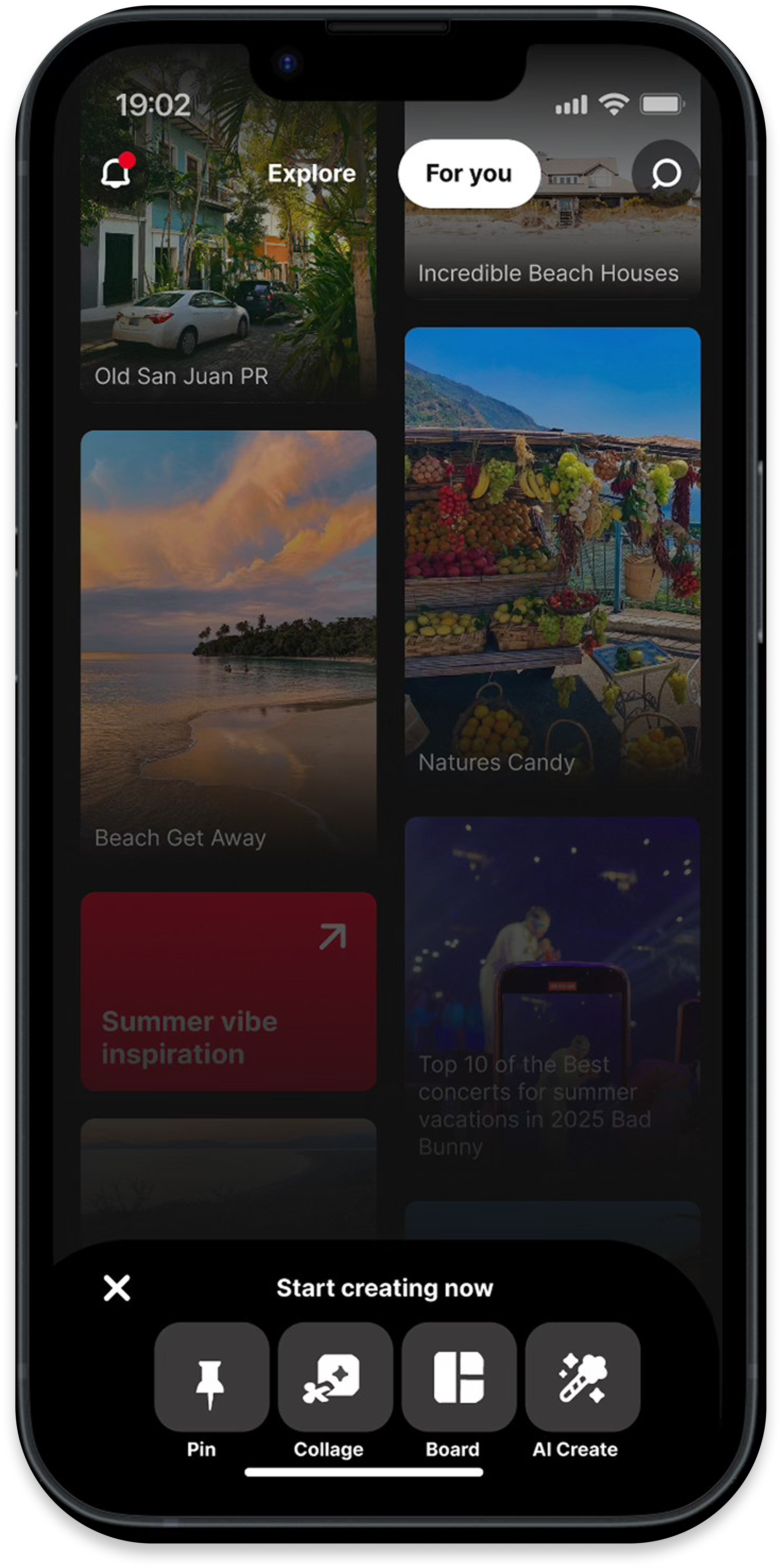
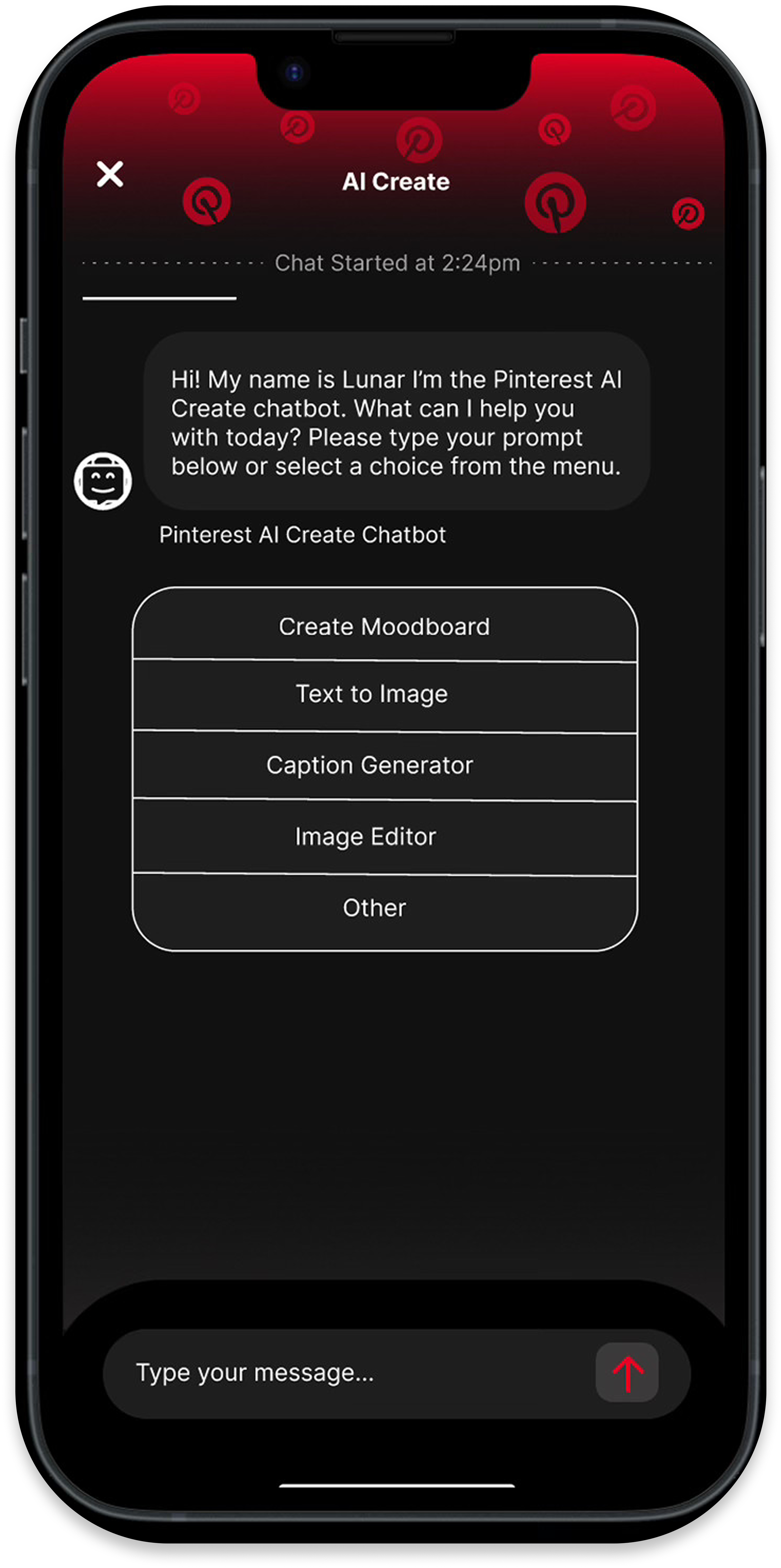
This 6-screen UI design brings the AI concept to life with a streamlined, interactive flow. It features an AI chatbot that helps users create moodboards and pins from simple text prompts, organizes their ideas, and generates captions. Each screen focuses on making content creation more intuitive and visual, showing how AI can enhance creativity and speed within the Pinterest experience.
RETROSPECTIVE
What I Learned
01 — The Importance of Balance
AI can make experiences smarter, but it must be introduced carefully to stay simple and intuitive.
02 — The Value of Context
Designing for different user needs (work, school, personal) requires flexibility and thoughtful personalization.